
Source Account
For the Tile Account submitting the Data — the Activity Page will show a history
- Date Loaded
- Rows Uploaded
- User that uploaded
- Colour coded (Successful, Warning, Failed)
The Activity cannot be drilled down or detail involving the loading of data in the Destination Account.
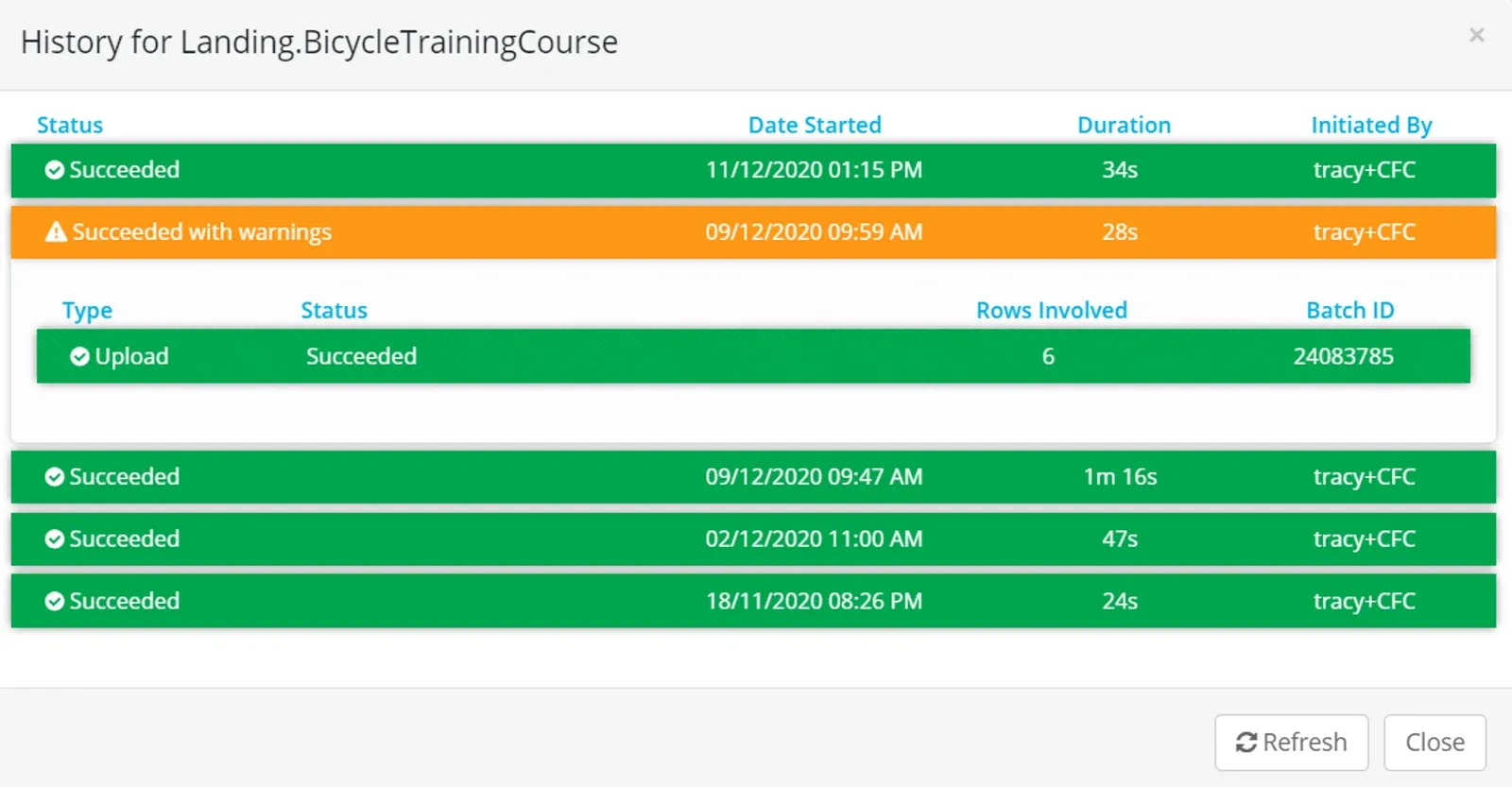
A data submission that does not meet minimum requirements in terms of file type or structure will not be uploaded - or show in the activity page.
Destination Account
For the full license Account receiving the data, the Activity page will show the history with full detail of the batch
- Date Loaded
- User that Uploaded
- Rows Uploaded
- Colour coded (Successful, Warning, Failed)
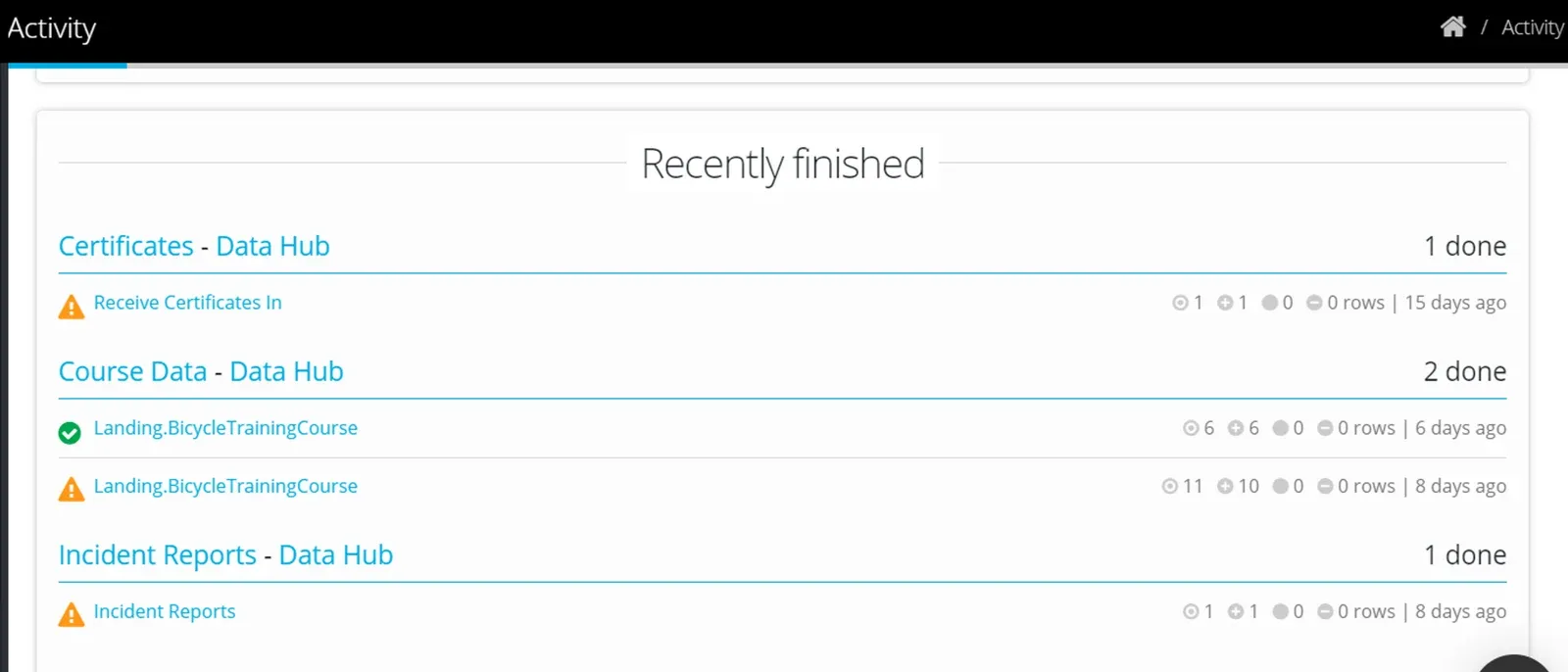
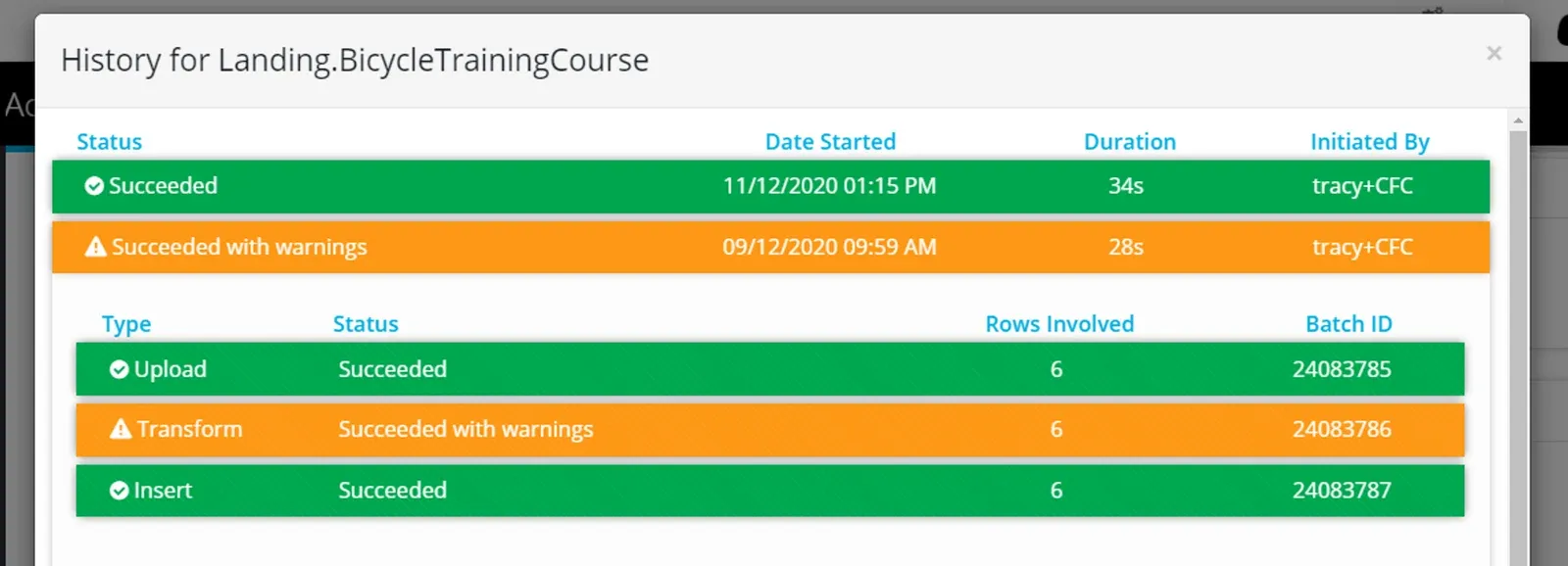
- Detail behind Warning or Failed message.
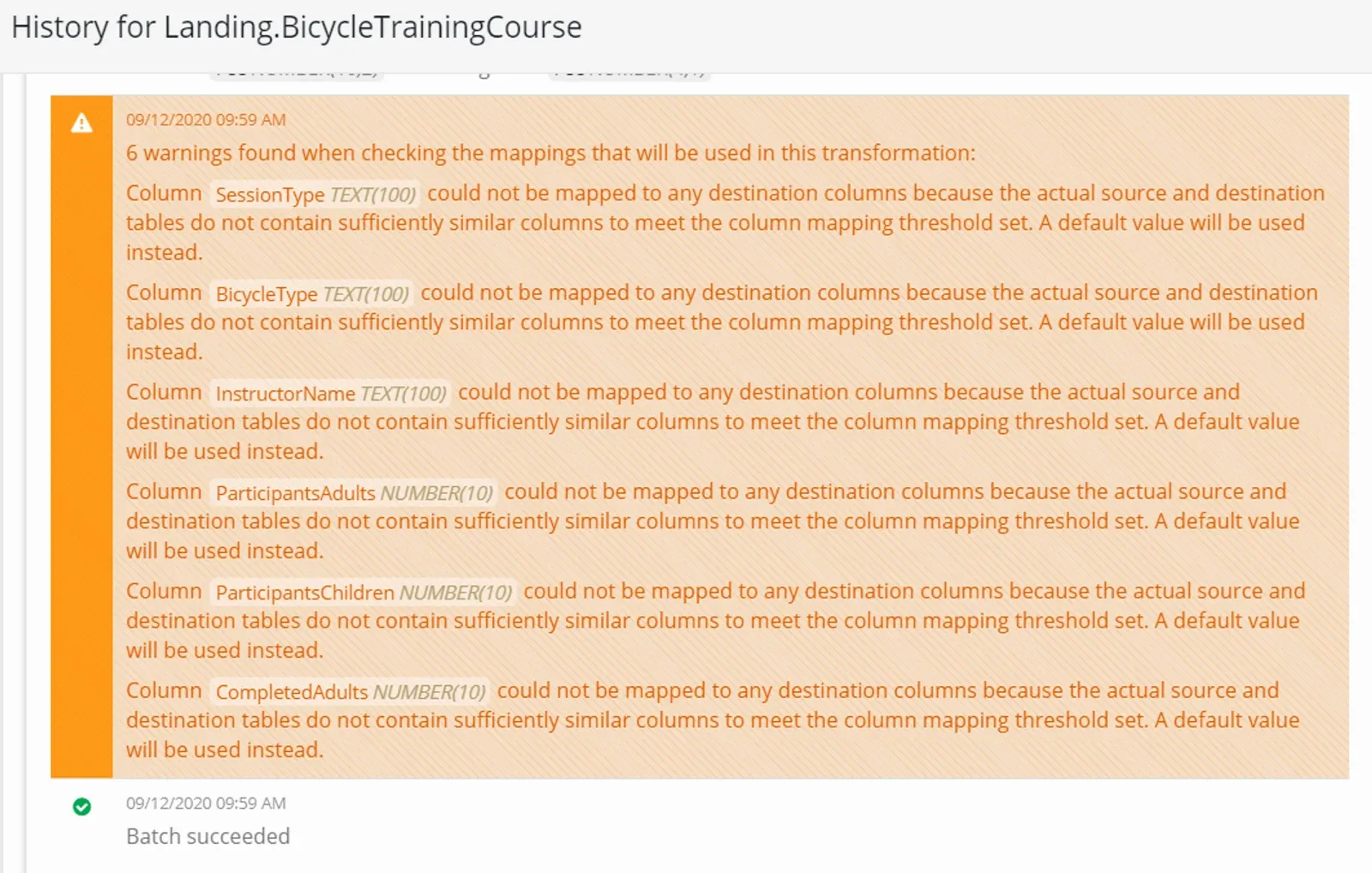
Use Process thresholds to enforce conditions for a process to succeed or fail.
Congratulations!
Now you have your data sharing set up.
Stuck on this step? Email support@eight-wire.com