
Navigate to Project > Process Groups
Click +New to add a new Process Group
Select the Process Group Type
Click +Add Source and select your Tile Datastore
Highlight the source object and click Add
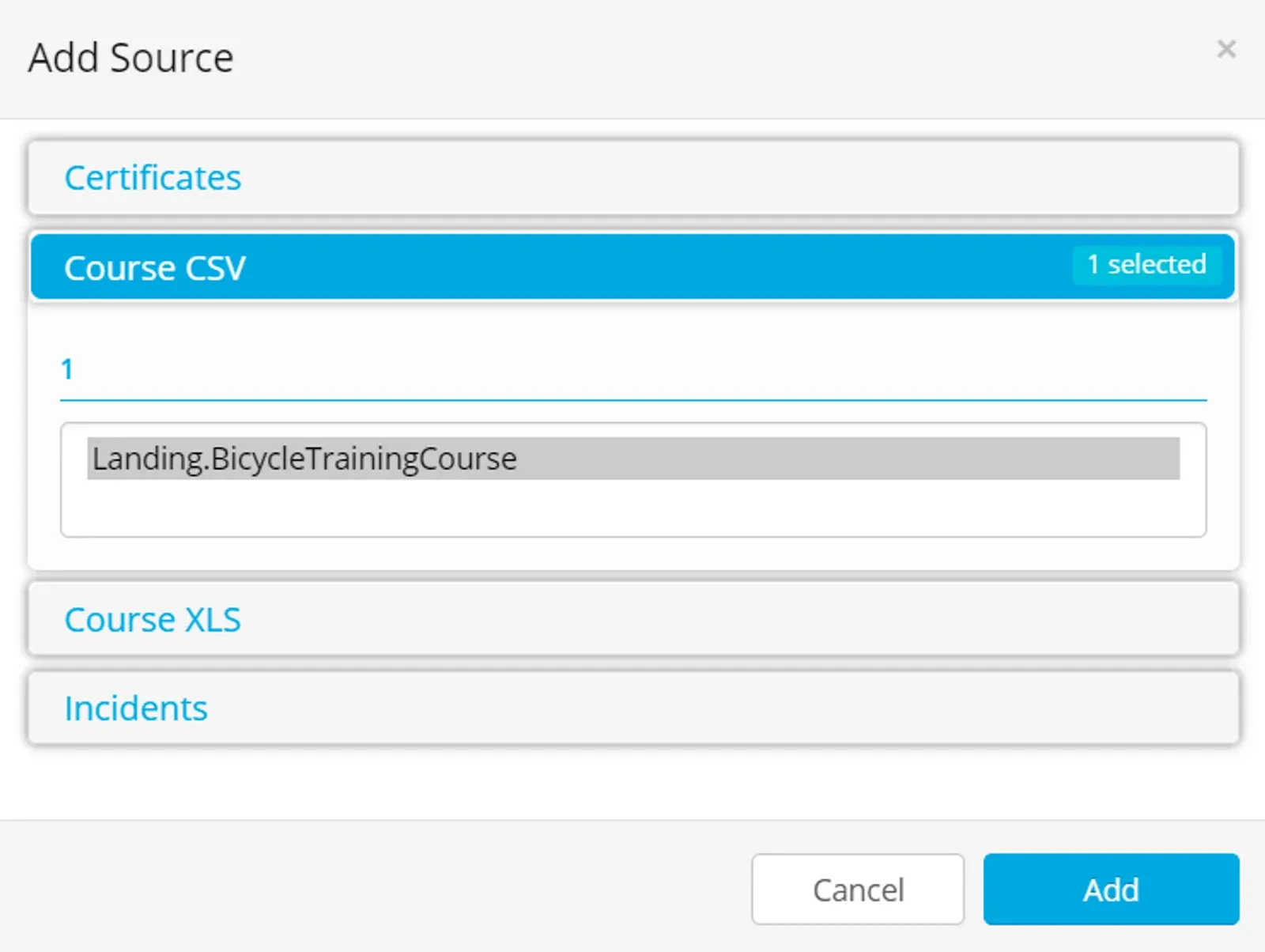
For CSV and Excel Tile the source objects available are any objects in the Destination datastore you selected in the Tile datastore Connection tab.
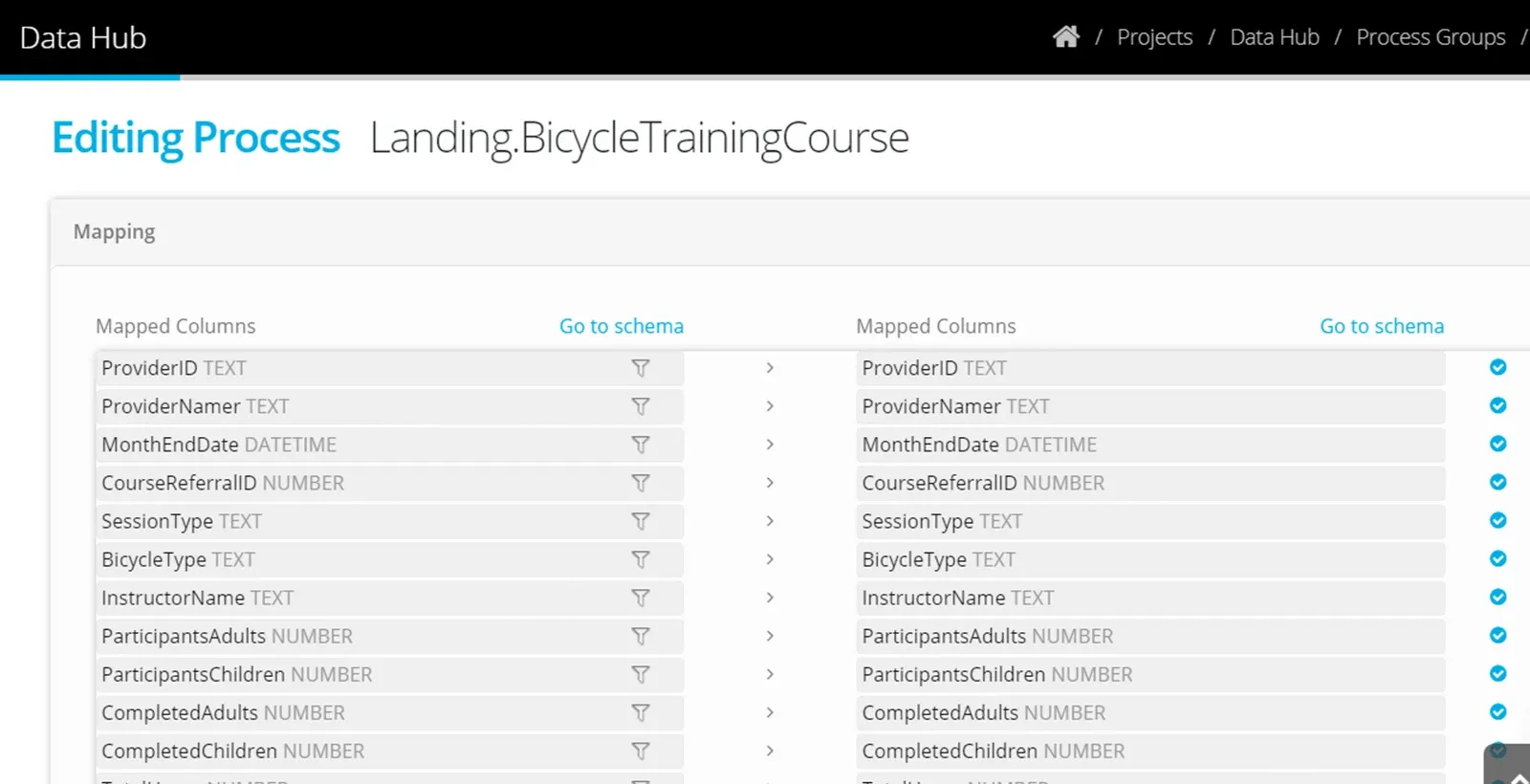
The process will suggest the appropriate Destination — it will be the object in the Destination with the same name as the source.
Click to Accept the process.

The mapping will be applied automatically.
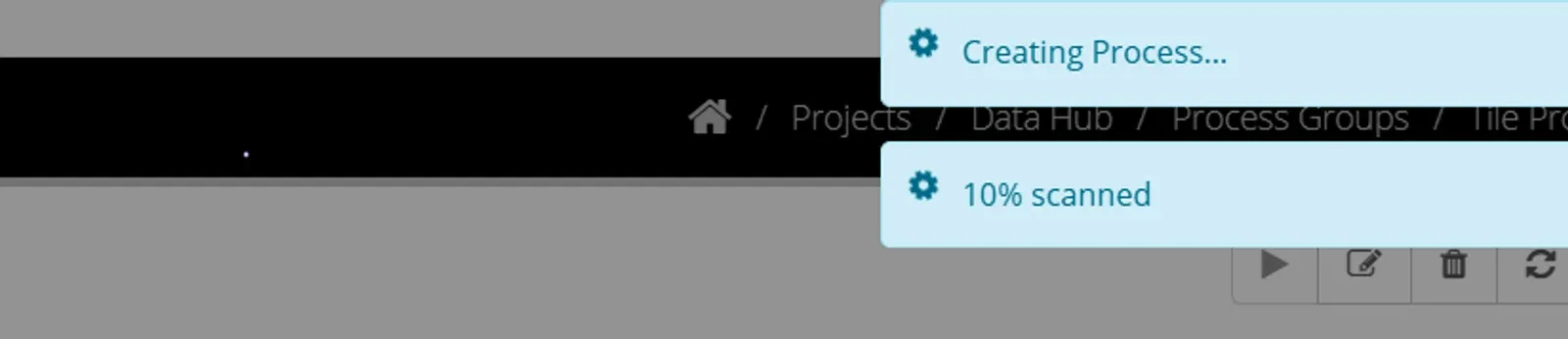
Run a test process by using the Tile that is shown in your Project Dashboard.
Drag a file into the tile and check that the process executes successfully (on the Activity Page).
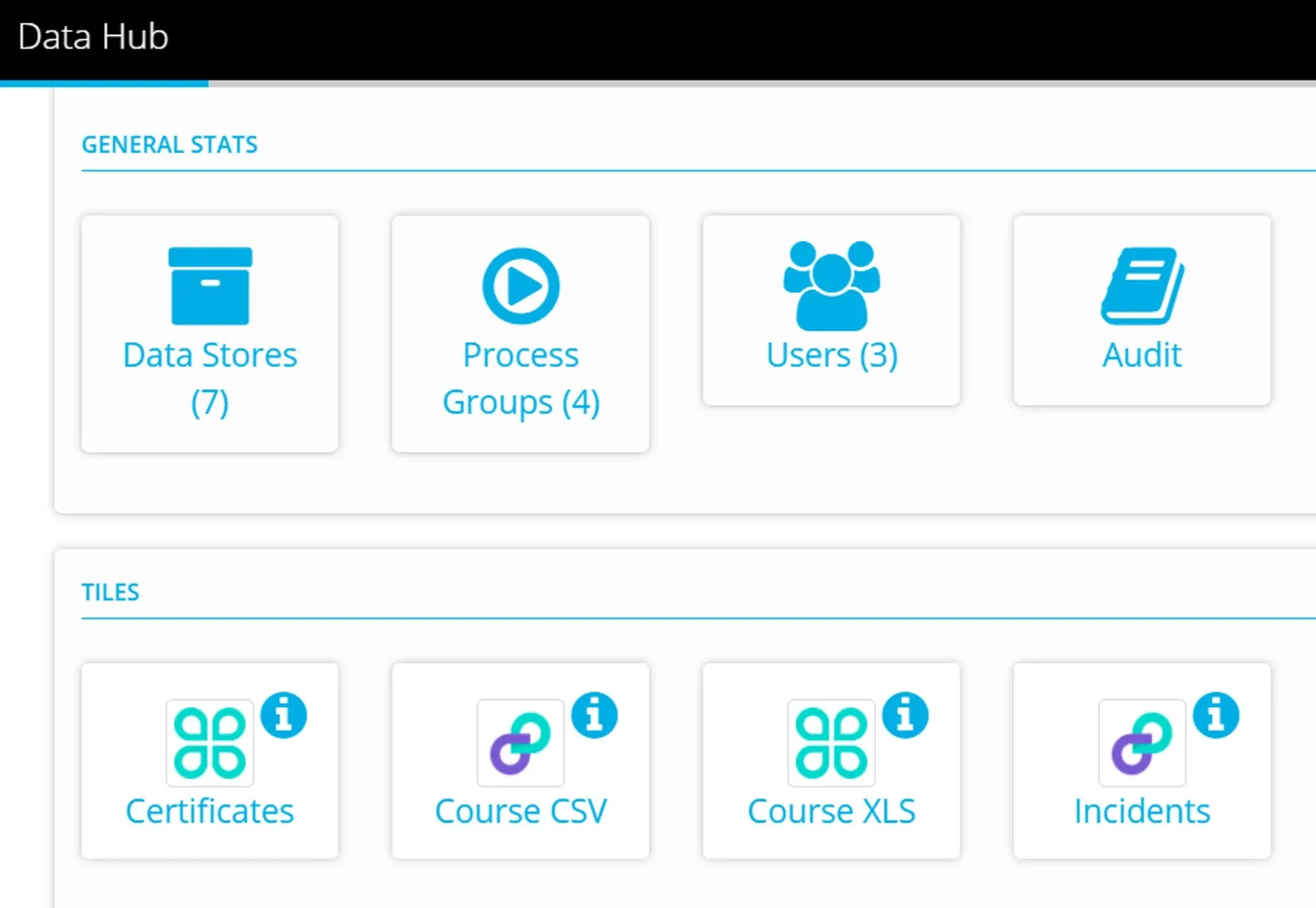
Once you are satisfied with the process transferring the submitted data - then next step is to share the Tile to your data providers.
Stuck on this step? Email support@eight-wire.com